AI Fatigue Browser Extension
 AI FAKE
 AI FAKE
 AI FAKE
Every video and photo is scored only once.
Built for Chrome and Brave. It reads a video or photo already on screen on X, Facebook, Instagram, TikTok, YouTube, and Telegram. Coming in the future for Edge and Firefox.
Install
Get it in Chrome
Status: Not live yetStatus: LiveStatus: Down for update
Down for update. We found a display bug in the extension. On some videos, mostly on X, the yellow scan dot can sit beside the video, and the score can show up at the bottom of the page instead of on the video.
A fixed version has been sent to the Chrome Web Store and Microsoft Edge Add-ons, and it is waiting for their review. We suggest waiting for that update before you install. If you already have AI Fatigue, your browser will update it on its own once it is approved. This box will say Live again when the fixed version is out.
Please do not install it yet. Google approved an early test version of AI Fatigue, and it is now listed in the Chrome Web Store. That version does not work with our scoring server, so it will not do what this page describes.
The full version is in review now. When this box says Live, it is safe to install AI Fatigue from the Chrome Web Store, and the install button will appear right here. If you already installed the test version, Chrome will update it to the full version on its own. Until then, join the waitlist and we will email you the moment it is live.
Zero-Retention Guarantee. Your feed is never uploaded. One frame or one photo is scored. The picture is thrown away. Only the number stays.
- Open Chrome on a computer.
- Open the AI Fatigue listing in the Chrome Web Store.
- Click Add to Chrome, then confirm.
- Open X, Facebook, Instagram, TikTok, YouTube, or Telegram. A video or photo that already has a score shows that score.
Brave uses that same Chrome Web Store listing. The button there says Add to Brave.
It is free in the Chrome Web Store. The same link works in Brave.
Use Microsoft Edge? Add AI Fatigue to Edge
On an Android phone, see Cell Phones.
A browser extension from AI Fatigue Productions, invented by Mike Franco. It scores a video or photo once. The next person who meets that post sees the score.

01
What AI Fatigue is
Our members use the extension to check suspicious clips before they spread. That is why a video or photo is scored only once.
AI Fatigue is a deepfake check for the feed. The first person to check a clip or photo spends one score. The extension sends one frame of the video, or the photo itself. The score comes back as a number for how generated that frame looks. The picture is thrown away. The number is kept.
The next person who comes across that same clip does not pay for another check. Their extension recognizes the video and shows the score already on file. Watching the feed does not upload the video.
A score is our detector’s assessment of one frame, not a statement of fact about the video. A high number means that frame shows strong signs of AI generation. A comedy sketch that is obviously AI generated is not the target of this tool, unless the user wants to block those types of videos as well. The default is to allow AI-created humor. The full cover, a blur and the words “Flagged by 5 agents,” is only for a clip that 5 different paid members have each scanned at 50 or higher and flagged, not for every high-scoring frame. “View anyway” still plays it. Nothing is deleted, and the account that posted it is not reported.
The extension does not ask for a Facebook, X, Instagram, TikTok, YouTube, or Telegram password. It only sees a video or photo already on the screen. It runs on X, Facebook, Instagram, TikTok, YouTube, and Telegram. No ads.
02
Why it is needed
The platforms are not labeling these videos and photos, so someone else has to.
A generated clip can sit in the same feed as a video a person actually filmed. The unlabeled ones are the problem. A sketch that tells you it is a sketch does not need a cover.
These are examples, not reports of a particular day.
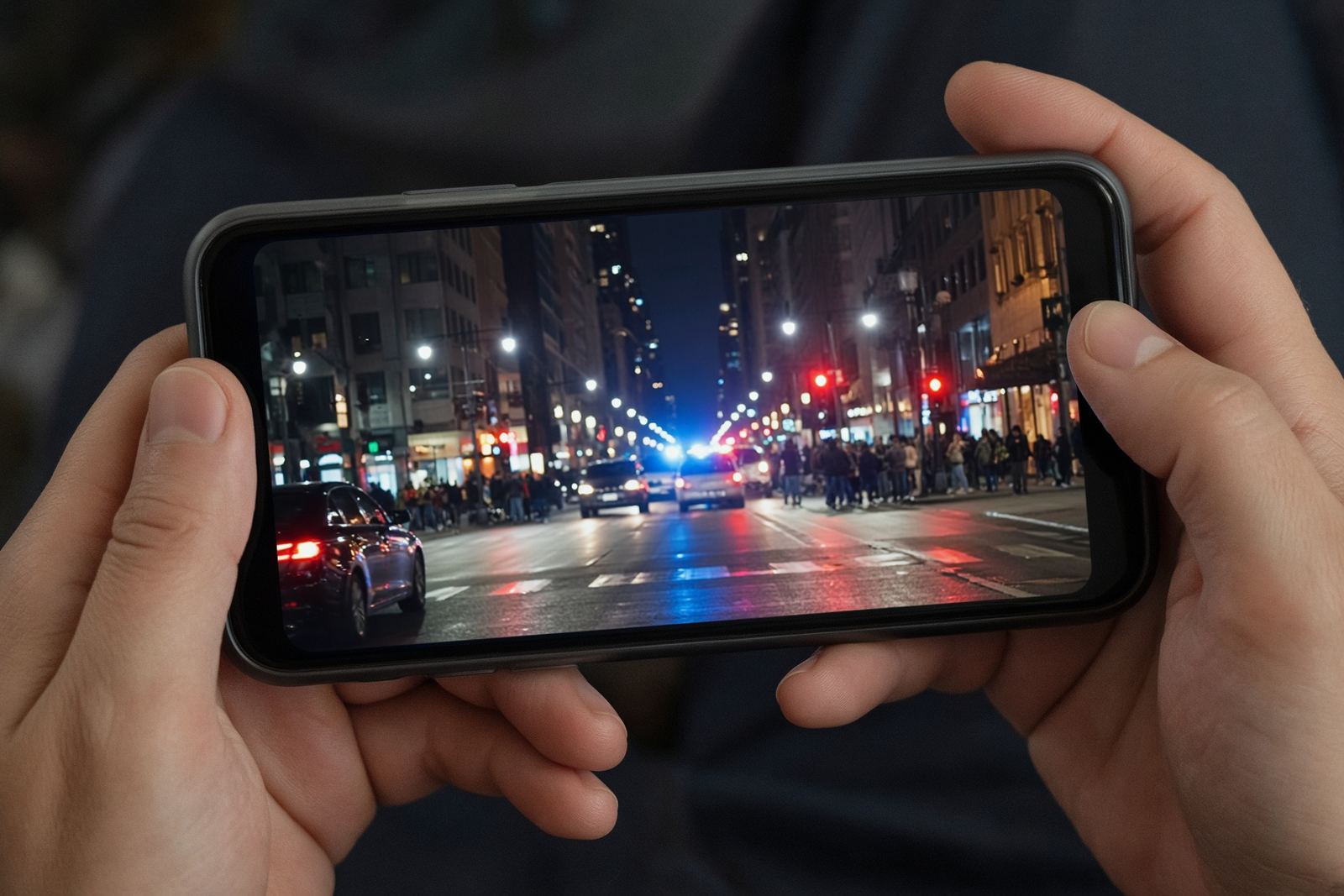
- A phone video of a fire downtown that never happened, forwarded with the words “send this to your family before it is taken down.”
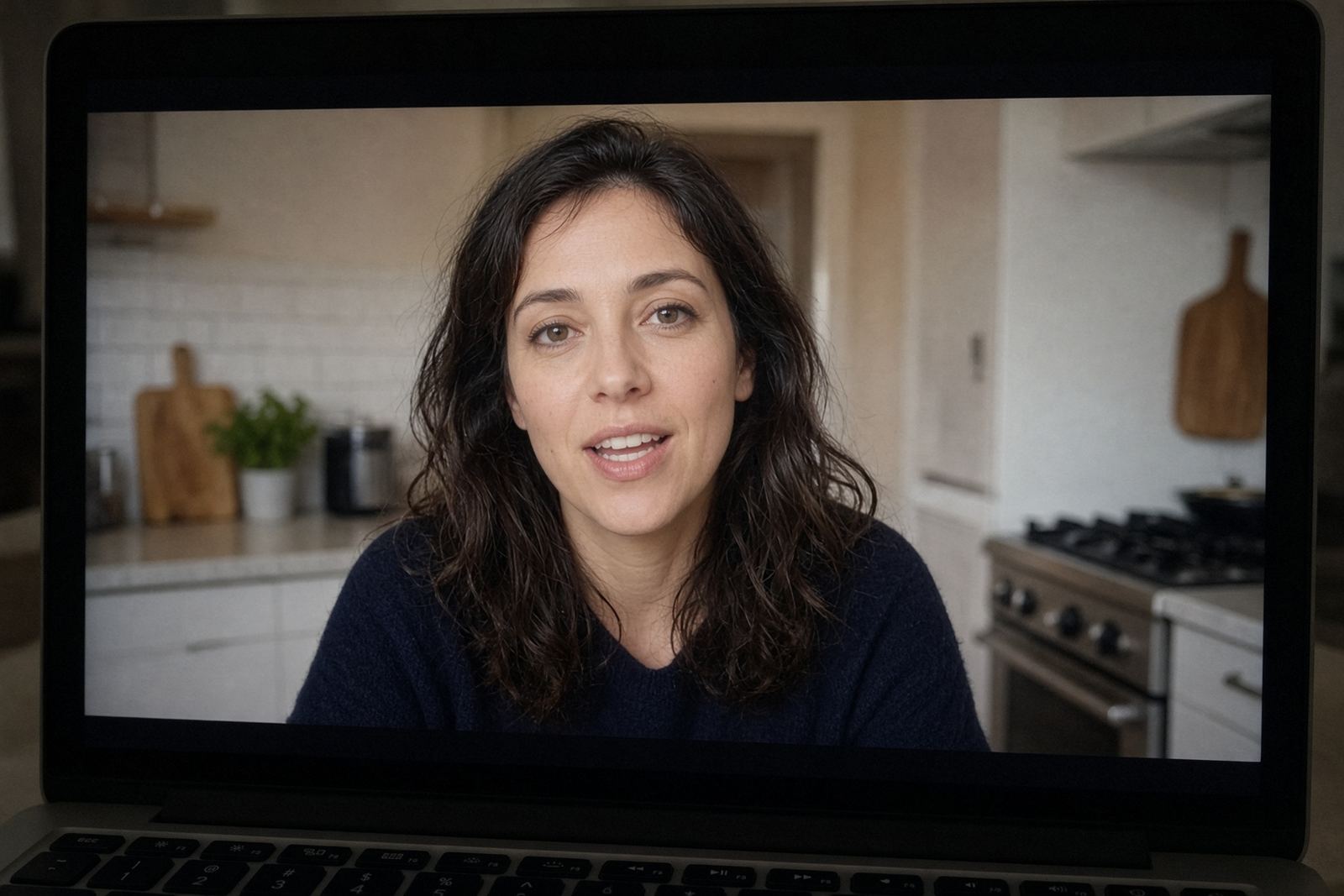
- A grandparent who sees a child, or a public figure, saying words they never said.
- A familiar face asking for money in a generated clip.
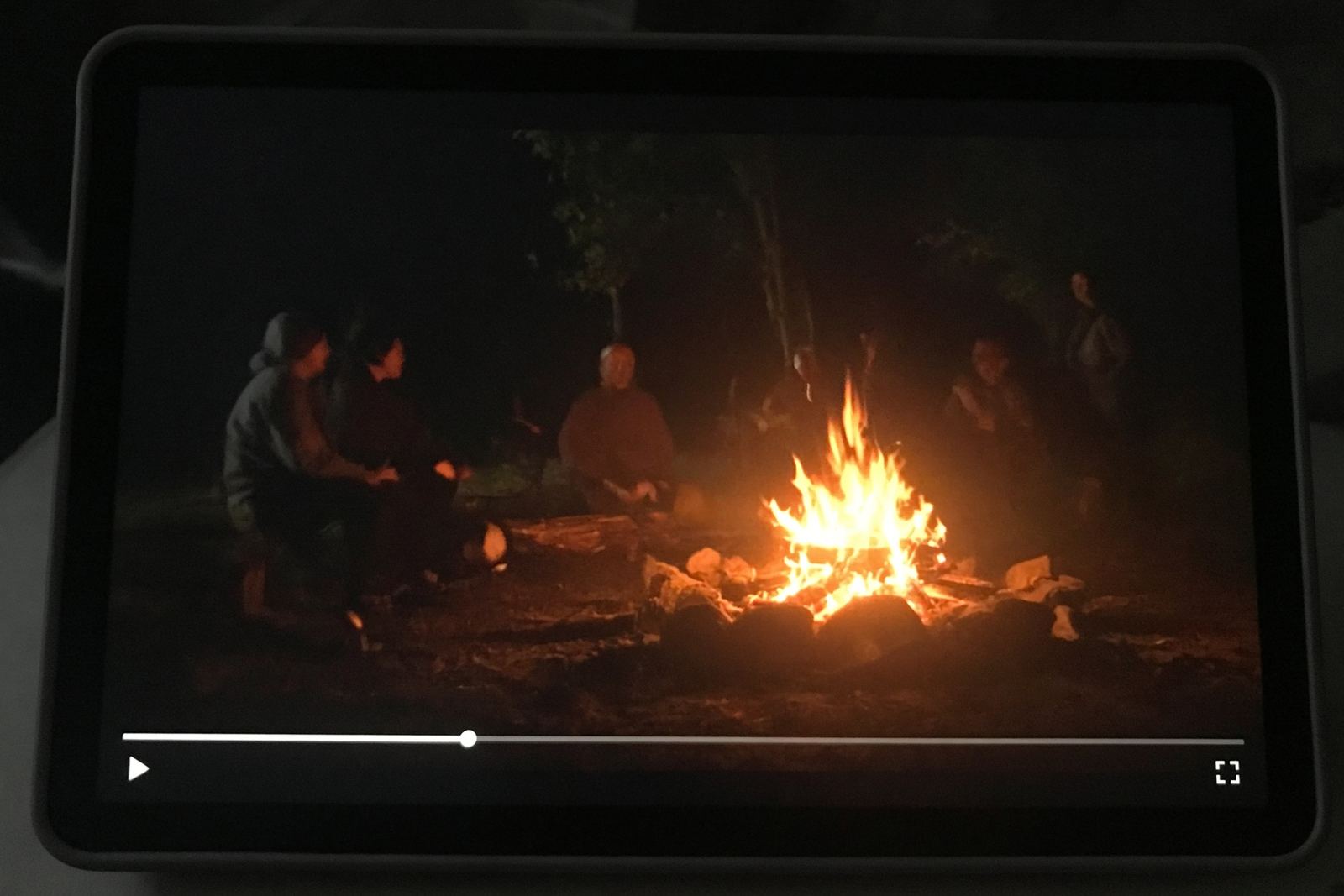
- A news-style clip with no station and no date.
None of those clips has to be clever. They only have to look ordinary long enough to be forwarded. Once one person has checked the clip, the score should be waiting for the next person. That is the product.
Here is a real example. The post says a mountain sank into the ground. The frame at 0:06 scored 99, so the label reads AI score 99 at 0:06. The score stays on the clip after that moment.
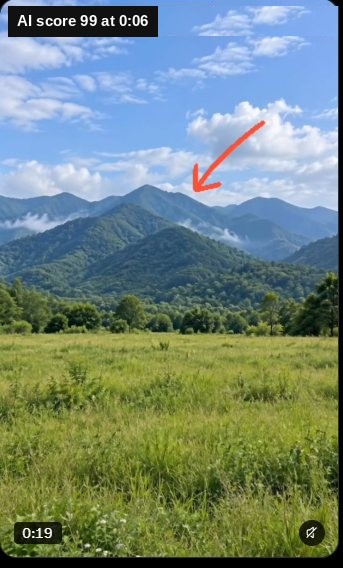
The mountain clip on X. The frame at 0:06 scored 99.

03
Score the part that looks wrong
Some clips mix camera footage with a generated piece. Do not check a random second. Play until the part that looks wrong is on the screen, and score that frame.
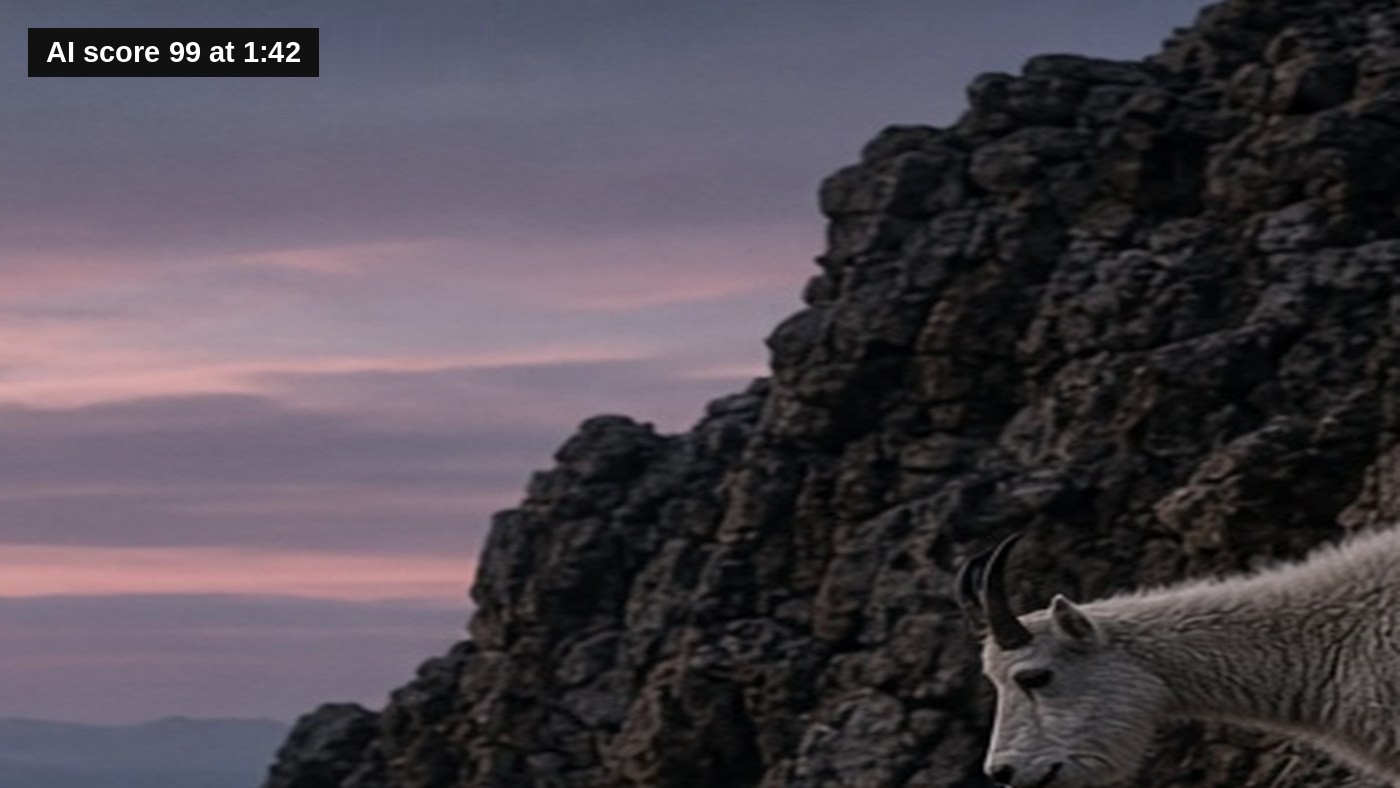
A label never says a video is fake. It names the moment and the score: AI score 99 at 1:29. Other moments are not scored.
A mountain goat clip on X is the example. The frame at 1:29 scored 99, so that is the line on the clip. The rest of the clip was not scored.
The clip stays on X. Anyone can watch it there. That does not make the file public domain, so this site does not keep a copy. The post itself is the example. Go to 1:29.
Mountain goat clip on X. The frame at 1:29 scored 99.
04
Best time to tag — for digital warriors
The detection looks only at the pixels of the single frame that is on your screen right now. It does not watch the whole video. That is why timing matters.
Play the clip until the moment that looks wrong is fully visible, then score it. A face that suddenly looks too smooth. A background that does not match the lighting. Hands that look off. A scene that feels generated. That is the frame to check.
Do not score the first second just because the video started. Do not score a blank or dark frame. Do not score ordinary color grading, filters, or speed changes — those are not treated as AI-generated. Score the part you already have reason to doubt.
When the stakes are highest
Evening hours (6:00 PM – 10:00 PM local time). Traffic peaks when people are tired and more likely to share emotionally. Shock clips, fake local emergencies, and emotional deepfakes are often pushed then. Check viral clips in your evening feed before you share or forward them.
Right after major breaking news. Within minutes of real events (weather, politics, public safety), synthetic clips appear — AI B-roll, old footage called live, or fabricated audio. If a breaking clip has no clear timestamp or real news desk, check it before you let it shape what you believe or send.
Before you forward to family. Older relatives and close family chats are common targets because trust is high and verification is low. Use AI Fatigue as the last step before you hit send on any dramatic voice note, urgent request, or sensational public-figure clip.
Once that frame is scored, the number (even a zero) stays on the clip for everyone else. No one else has to spend a scan on the same video. That is how the community saves tokens.
05
What the number means
The number is a 0–100 score on one frame, not on the whole video. For a photo, it is a score on the photo itself.
When you score, the extension finds the largest video or photo on the screen. For a video, it reads the exact frame that is visible right now. For a photo, it sends the full-size photo, not a screenshot. That single frame is sent to an AI detection algorithm that checks how AI-generated it looks.
The number you see is that AI-generated score, normalized to 0–100.
- 0–49 means the frame does not strongly look AI-generated
- 50–100 means the frame looks AI-generated
When the score is 50 or higher and the playback time is known, the label reads AI score 99 at 1:29. A zero still shows the time, so everyone knows that moment was already checked. Otherwise it shows the number and the time.
Why a clip that looks AI-made can score 0
A low score means our detector found no sign of generative AI. It does not prove the clip is authentic. Movie effects and CGI, heavy compression, and old footage with a new caption can all score near 0. Read about false negatives.
Photos
Photos work the same way, with one difference: there is no moment to name, so a photo label reads AI score 92 with no time. The whole photo is checked, at full size. Profile pictures, emoji, and other small images are skipped. A photo in a post with a video gets its own score, so the two never mix.
Only one frame is checked. The rest of the video is never scored. A high number means that frame shows strong signs of AI generation. It is not a statement about the whole video or about the person who posted it. The picture is thrown away after the check. Only the number, the time, and a local fingerprint of the video are kept.
The full cover that says “Flagged by 5 agents” only appears after 5 different paid members each scan the clip at 50 or higher and flag it. A high score alone does not cover it. How a clip gets covered.
06
Who it hurts
The people most exposed are older viewers, and anyone who still takes a video at face value. They are not failing a test. For a long time, a moving picture in a family chat was a thing that happened. The feed no longer keeps that promise, and it does not say so on the clip.
What they lose is ordinary. The pleasure of scrolling without having to interrogate every face. The ease of forwarding something that looks urgent. When the clip lands in a family chat, someone else has to explain that the fire, the voice, or the request for money was never a record.
AI Fatigue does not stop a person from forwarding. It puts the score on the clip before the next person has to decide whether to believe it.

07
What you see for free
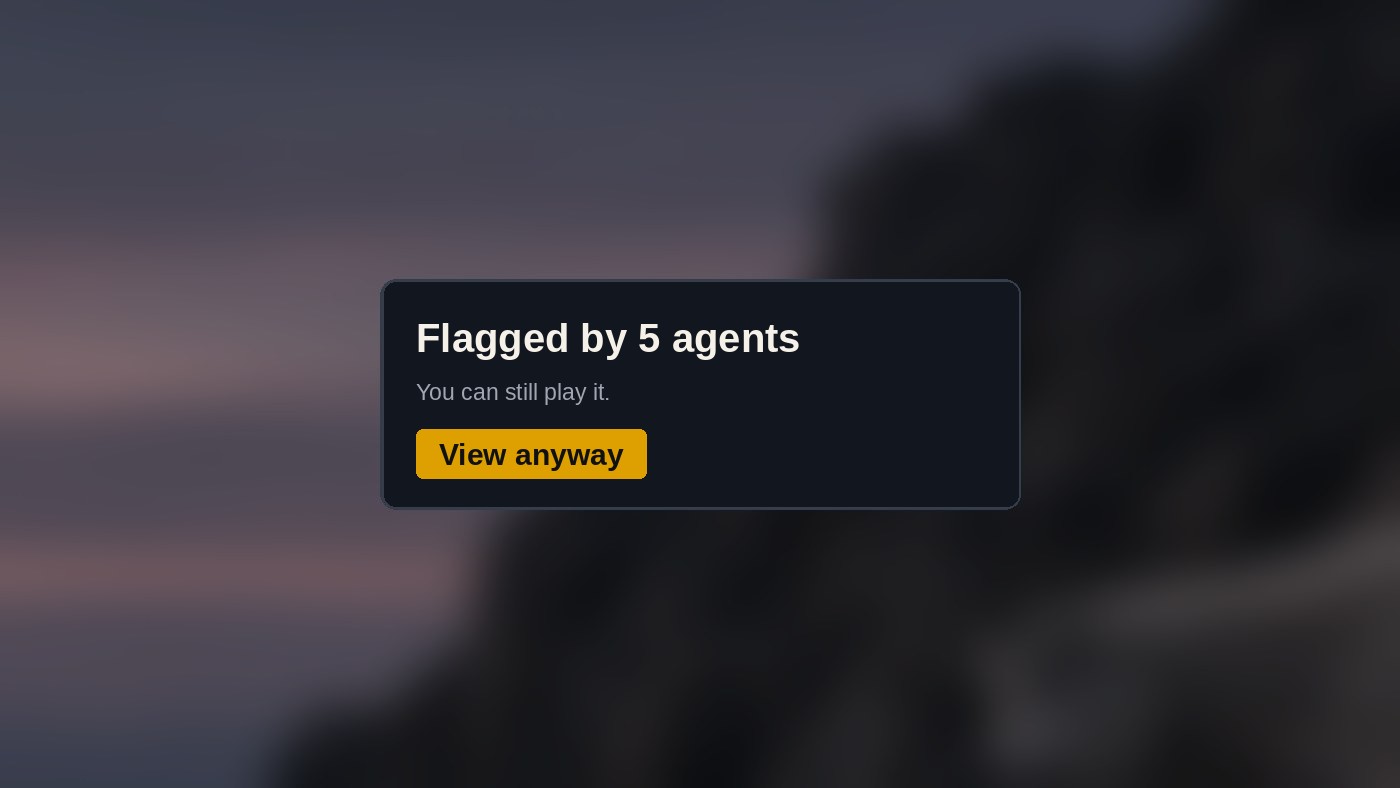
The extension is free to install. There are no ads. If a video or photo was already scored, you see that score. You see when it was found and how many members tagged it. If 5 paid members flagged it, you see this cover, and you can still play it.
You do not spend a score by scrolling. Nothing is uploaded just because it passed through your feed. The extension asks only whether that video or photo is already on file.
A clip nobody has checked yet has no score. Free use does not run a new check or tag anything. A paid plan does.
Coming soon: every score stamped on Bitcoin. Once a day, a fingerprint of every score and tag on file will be anchored to the Bitcoin blockchain, so once a score or flag is recorded, nobody can quietly erase or rewrite that record, including us. The first stamp is pending. How the Bitcoin ledger works.
09
Plans
| What you get | Free | Member |
|---|---|---|
| See AI scores other people already found, on videos and photos | ✓ | ✓ |
| Fakes are covered once 5 paid members confirm them | ✓ | ✓ |
| Ask for a check on something nobody has scanned yet (5 a day) | ✓ | Scan it yourself |
| Scan any video or photo yourself (one click, uses one scan) | – | ✓ |
| Flag a clip or tag it AI humor* | – | ✓ |
| Hide AI humor too | – | ✓ |
- $0
- See the AI % and the moment it was found on every clip the community scanned. Clips 5 paid members flagged are covered. Tap “View anyway” to watch, knowing what other members found.
- $10 a year
- A year of membership for the price of ten months. Block AI humor along with flagged clips, and get 20 scans a month to scan and tag videos and photos yourself.
- $1 a month + processing fees ($1.34 a month total)
- 20 scans a month to scan and tag videos and photos yourself. Block AI humor too.
- $4.99 a month
- 150 scans a month to scan and tag videos and photos yourself. Block AI humor too.
- $10 a month
- 400 scans a month to scan and tag videos and photos yourself. Block AI humor too.
- $20 a month
- 1,000 scans a month to scan and tag videos and photos yourself. Block AI humor too.
A scan is one frame of one video, or one photo. The number stays on the post for everyone else.
$10 a year $1 + fees a month $4.99 a month $10 a month $20 a month
Checkout is handled by Stripe. After paying you get a member key; paste it into the AI Fatigue extension to start scanning. Cancel any time.
10
The community

The free install shows a score the community already paid to check. A paid member is the person who checks a new clip. One frame is scored, the picture is not kept, and the number waits for the next person.
That is the open part. Anyone can see a score that already exists. The code is not published, and the site does not ask you to read it.
See today’s Hall of Fame — November 19, 2026 · November 18 · November 17
11
FAQ
- Does it check every video and photo as I scroll?
- No. A member spends one check on one frame or one photo. Anything nobody has checked has no score.
- What happens when I hit an unchecked video or photo?
- Free users see no score. Paid users can spend one scan on one frame or photo. The number then appears for everyone else.
- Does it work on photos?
- Yes. Scroll the photo into view and score it. The whole photo is checked, and the label has no timestamp. The same rules apply: 5 paid members have to confirm it before a photo is covered.
- Why do some clips that look AI-made score zero?
- The detector catches generative AI. Movie effects and CGI are made a different way, heavy compression can erase AI’s fingerprints, and old camera footage with a new caption is still camera footage. A 0 means our detector found no sign of AI, not that the clip or its caption is accurate. False negatives, explained.
- Is a high number proof the video is a lie?
- No. It means that one frame looks generated. The rest of the video is not cleared or condemned.
- Where do I run the check?
- On the moment that looks wrong. If that frame scores high, the tag names the time. A mountain goat clip on X is one. The frame at 1:29 scored 99, so the line is AI score 99 at 1:29. The rest was not scored.
- Where does it run?
- Chrome and Brave, on X, Facebook, Instagram, TikTok, YouTube, and Telegram. Coming in the future for Edge and Firefox.
- Can I send in a post to be checked?
- Yes, if you are a member. Every member is an agent. Submit a post for analysis with your agent number and the link. Each agent can send 5 links a day. Other agents vote, and the 20 with the most votes each day get scored. The best ones go into the Hall of Fame.
Why the platforms are not labeling these videos
False negatives: why some clips that look AI-made score zero
12
Contact
Support questions go to the support page and to support@aifatigue.us.
Other mail goes to info@aifatigue.us.
AI Fatigue is a product of AI Fatigue Productions, invented by Mike Franco. The site is https://aifatigue.us. The Chrome Web Store support address is https://aifatigue.us/support.